Credit Notes Explained
Made a mistake on an invoice, or need to refund a customer? A credit note is the clean way to fix it. Here is how it works.
Mistakes happen. A price is wrong, a customer returns goods, or you invoiced the wrong client. You should not quietly edit an invoice that has already been sent, because both sides have already recorded it. The correct tool is a credit note.
What is a credit note?
A credit note (sometimes called a credit memo) is a document issued by the seller to reduce the amount a customer owes. It references the original invoice and shows what is being credited and why. It can cancel the whole invoice or just part of it.
When to issue a credit note
- You made a pricing or calculation error.
- The customer returned goods or cancelled a service.
- You invoiced the wrong customer or entity.
- You agreed a discount or compensation after the invoice was sent.
- You charged the wrong tax rate or tax code.
- A customer was overcharged or billed twice.
Credit note vs refund vs cancelled invoice
| Term | What it is |
|---|---|
| Credit note | Accounting document that reduces what is owed |
| Refund | Money returned to the customer |
| Void / cancelled invoice | An invoice not yet sent, or removed from your records before it counted |
| Debit note | The opposite: increases an amount owed |
What a credit note must include
- The title “Credit note”.
- A unique credit note number (often its own series, such as CN-0001).
- The issue date.
- Your details and the customer’s details, as on the original.
- The number and date of the original invoice.
- A description of what is being credited and a short reason.
- The amount credited, with tax shown separately.
- What happens next: a refund, an offset against a future invoice, or both.
Example
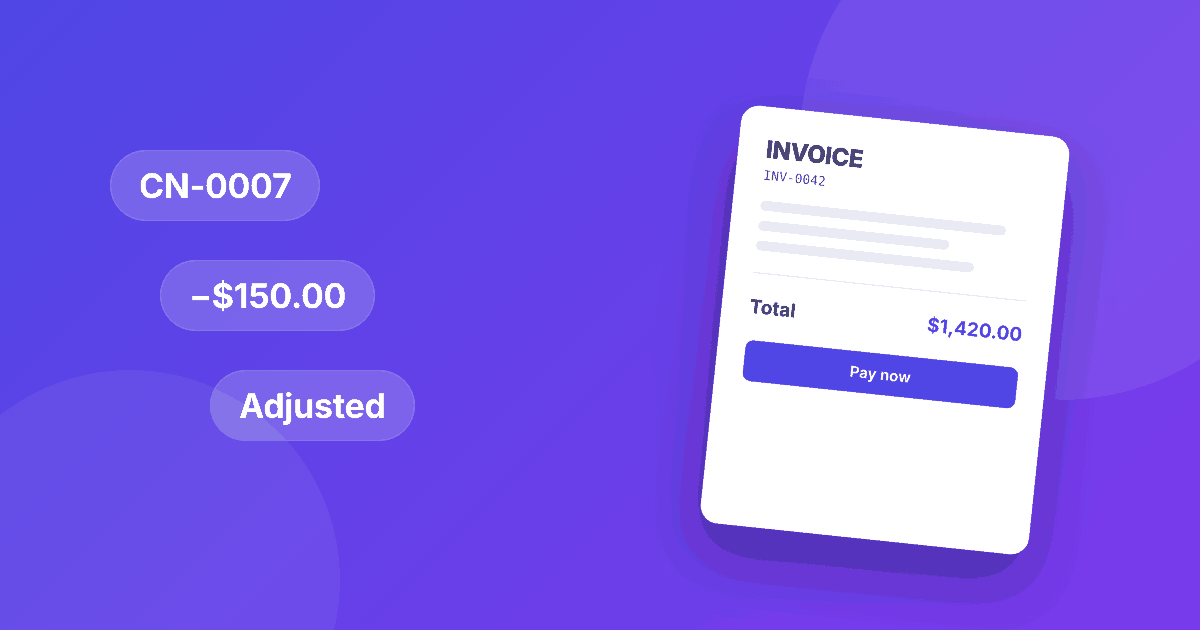
You invoiced 1,200.00 plus 10% tax for a website build (INV-0042). The client was overcharged for hosting by 150.00.
| Line | Amount |
|---|---|
| Credit: hosting overcharge (original INV-0042) | −150.00 |
| Tax credited (10%) | −15.00 |
| Total credit | −165.00 |
How to issue one, step by step
- Find the original invoice and confirm what needs correcting.
- Create the credit note with the next number in the credit note series.
- Reference the original invoice clearly.
- Send it to the customer with a short explanation.
- If the original was wrong, send a new, corrected invoice with its own number.
- Refund the customer or apply the credit to the next invoice, and record it.
Credit notes and tax
If you charged VAT, GST or sales tax, the credit note should reverse the tax on the credited amount. Customers who reclaimed that tax need to adjust their records, and you will adjust your next return. Rules and time limits differ by country, so check with your tax authority or accountant. See our global guide to tax on invoices.
Best practices
- Never delete or overwrite an issued invoice.
- Number credit notes in sequence. See invoice numbering best practices.
- Explain the reason in a sentence. It prevents questions.
- Keep credit notes with the invoices they relate to.
- Reconcile credits with refunds so your books stay accurate.
This article is general information, not tax, legal or accounting advice. Rules differ by country and change over time, so check with your local tax authority or an accountant.
Create your next invoice in about a minute. InvoiceKit is a free invoice maker that works in your browser: add your details, choose a template and download a PDF. Works in any currency, with tax options for GST, VAT and sales tax.