Expense tracker for Nepal: NPR, BS dates and your own wallets
expense.track works in Nepali rupees, shows amounts with lakh and crore grouping and, if you pick Nepal as your country, lets you use Bikram Sambat (BS) dates. Record dollars or Australian dollars as you earned them, then add what arrived in rupees. Free to use, and you can start without an account.
Built for how money really works in Nepal
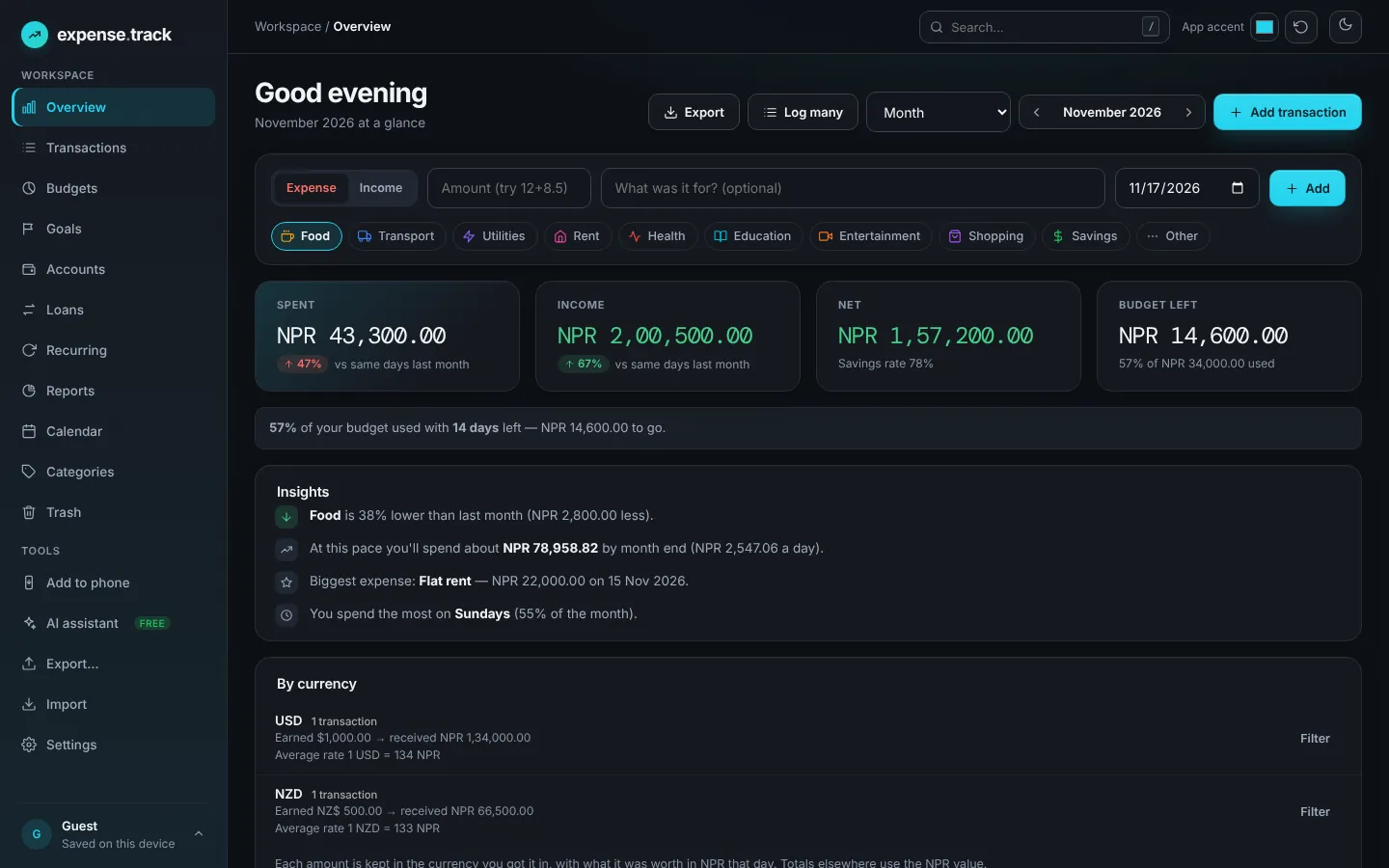
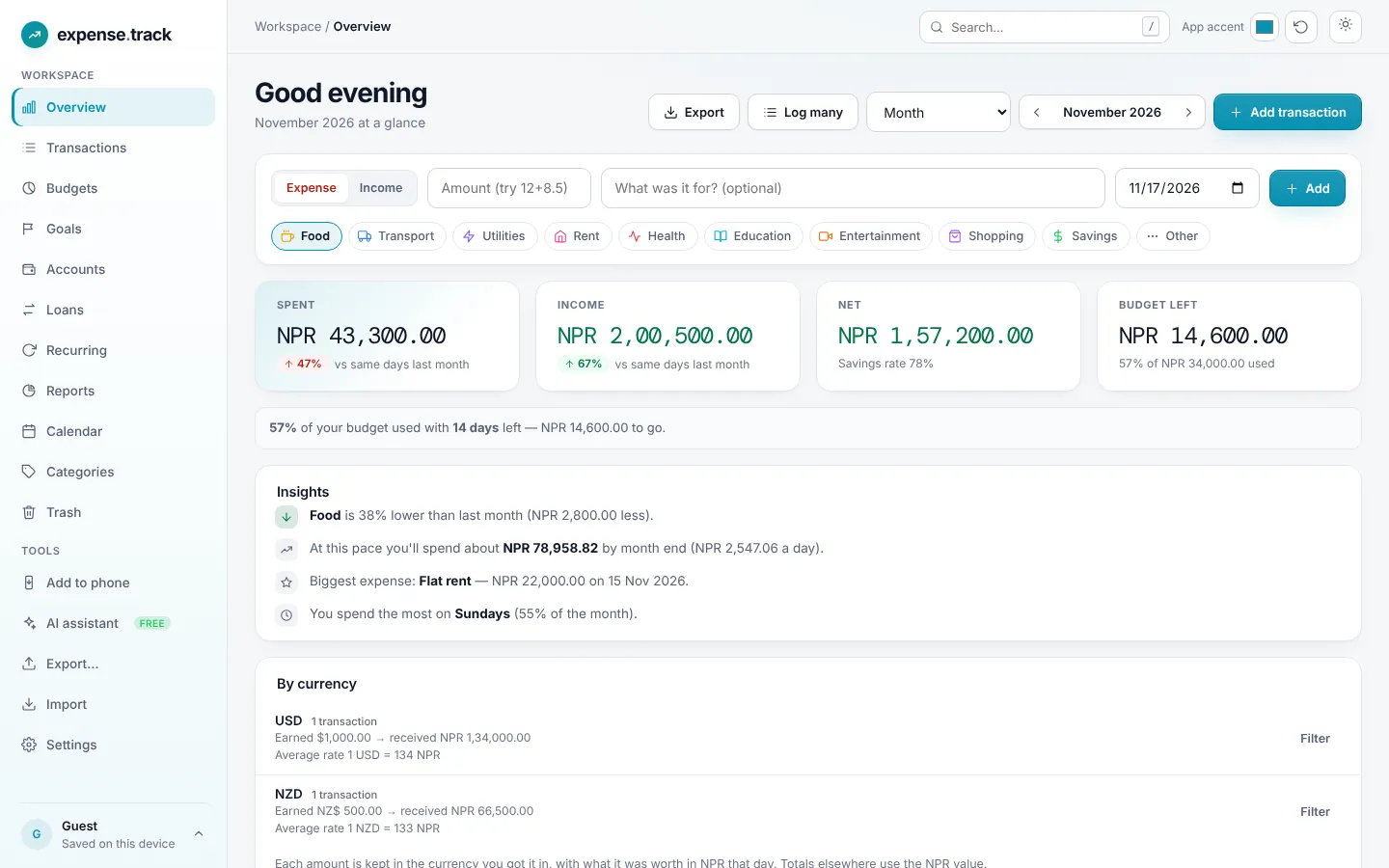
expense.track by ToolsMingo is a free expense tracker and budget planner. Unlike most apps, it treats Nepal as a first-class country: rupee amounts use 1,00,000 style grouping, BS is a real calendar choice rather than a converter, and you can keep wallets such as cash, a bank, eSewa and Khalti side by side.
It is also built for people who earn from abroad. Record a payment as 500 USD, then enter the rupees that actually landed in your account. Both numbers are kept, so you can later see what you earned in each currency and your average rate.
Try it nowEverything a Nepal-based tracker should do
BS or AD, never confused
Choose Nepal as your country and pick BS as your calendar. Each date is stored once and shown in both, so a Kartik budget and an October report always agree.
eSewa, Khalti, cash and banks
Create a wallet for each place your money lives and see balances at a glance. Add your own, whatever the name.
Foreign income, remembered
Record 100 USD as 100 USD, add the rupees received, and filter by currency later. See what you earned in each and the average rate.
Optional NEPSE-style stock log
Switch on the stock tracker in Settings to log buy price, units and profit or loss. You enter prices yourself; there is no live price feed.
Loans you gave or took
Keep track of money you lent or borrowed, with due dates, partial repayments and bulk delete.
A free AI assistant
Type “add wallet eSewa with 5000” or “lunch 450 food” and it prepares the entry for you to confirm. Free and in your browser.
Start tracking in five minutes
- 1Open expense.track. Start without an account. Your data is saved in your browser, and a free account adds backup and sync.
- 2Set Nepal and your calendar. In Settings, choose Nepal as your country. The BS option appears; pick BS or keep AD.
- 3Add your wallets. Create cash, bank, eSewa, Khalti or any wallet, with the balance you have today.
- 4Log your first entries. Type an amount, pick a category and press Add, or use the AI assistant or Log many to paste several at once.
- 5Set a monthly budget. Pick limits for food, transport, rent and more. You will see a warning at 80% and when you go over.
expense.track is a record-keeping tool, not financial, tax or investment advice. Always check current rules with a qualified professional.
Questions, answered
Quick answers about BS dates, rupees, wallets and foreign income.
Yes. expense.track is free to use, with no subscription and no credit card. A free account adds cloud backup and sync across your devices.
Yes. Choose Nepal as your country in Settings and BS becomes available as a calendar option. Dates are stored once and shown in both BS and AD, so reports always line up.
Yes. Choose the currency when you add a transaction, enter the amount as you received it, then enter the rupees that arrived. Both are kept, and you can filter by currency later.
Yes. Rupee amounts use the Indian-style grouping, such as 1,00,000, so large numbers are easy to read.
No. The optional stock tracker is a simple log: you enter the buy price, units and current price yourself, and it shows your profit or loss. It is not investment advice.
Yes. Your data is never sold. Without an account it stays in your browser, and you can export it as CSV or PDF at any time.
Start tracking in rupees today
Open it, add your first wallet and log what you spent today. It takes about a minute.