Free invoice generator for Australia: GST tax invoices with your ABN
Make a clean Australian tax invoice in a minute: your business name and ABN, a GST line, your BSB and account number, and a due date. Download the PDF, email it or share a link. Works for New Zealand GST invoices too. Free to use, no sign-up needed.
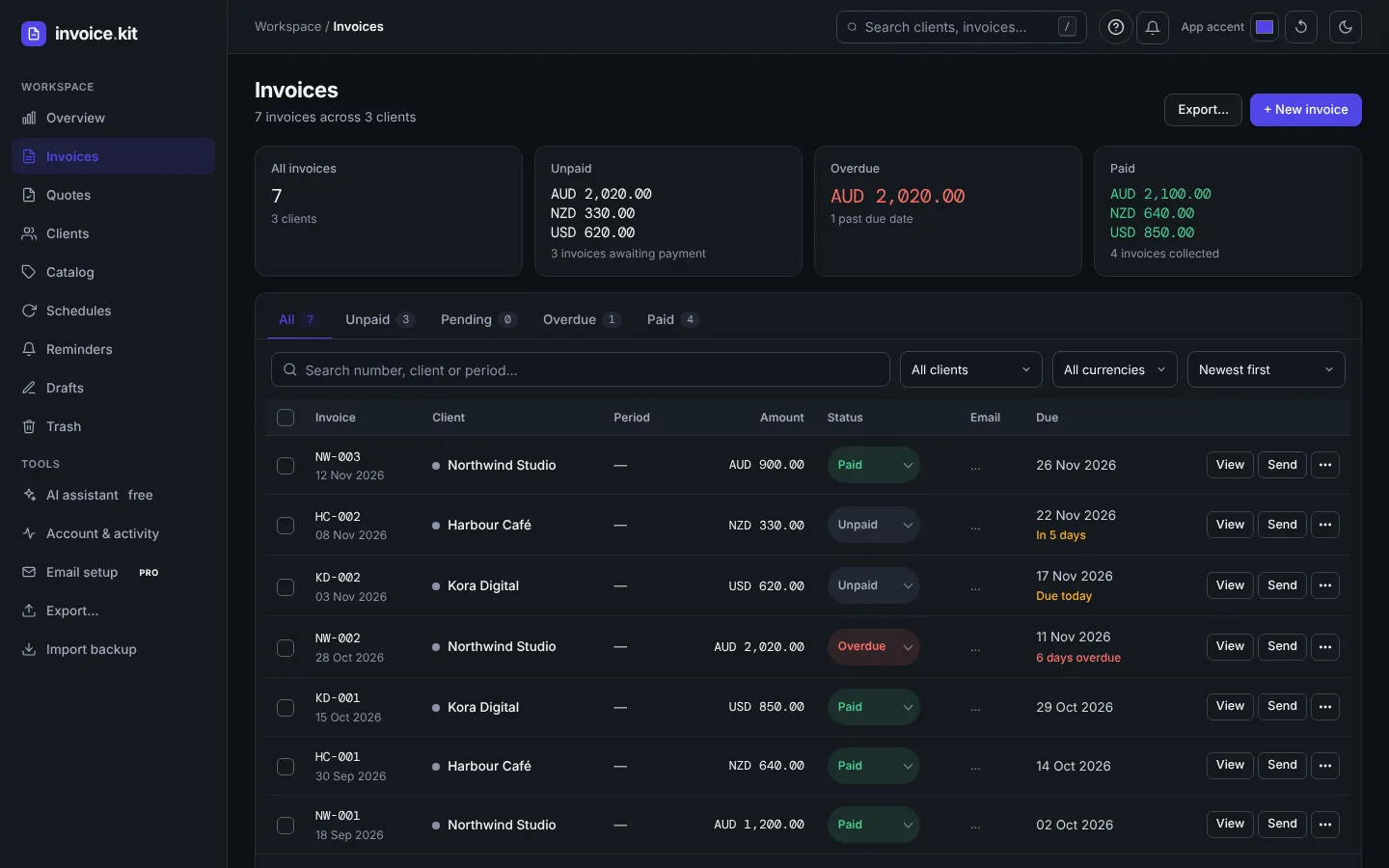
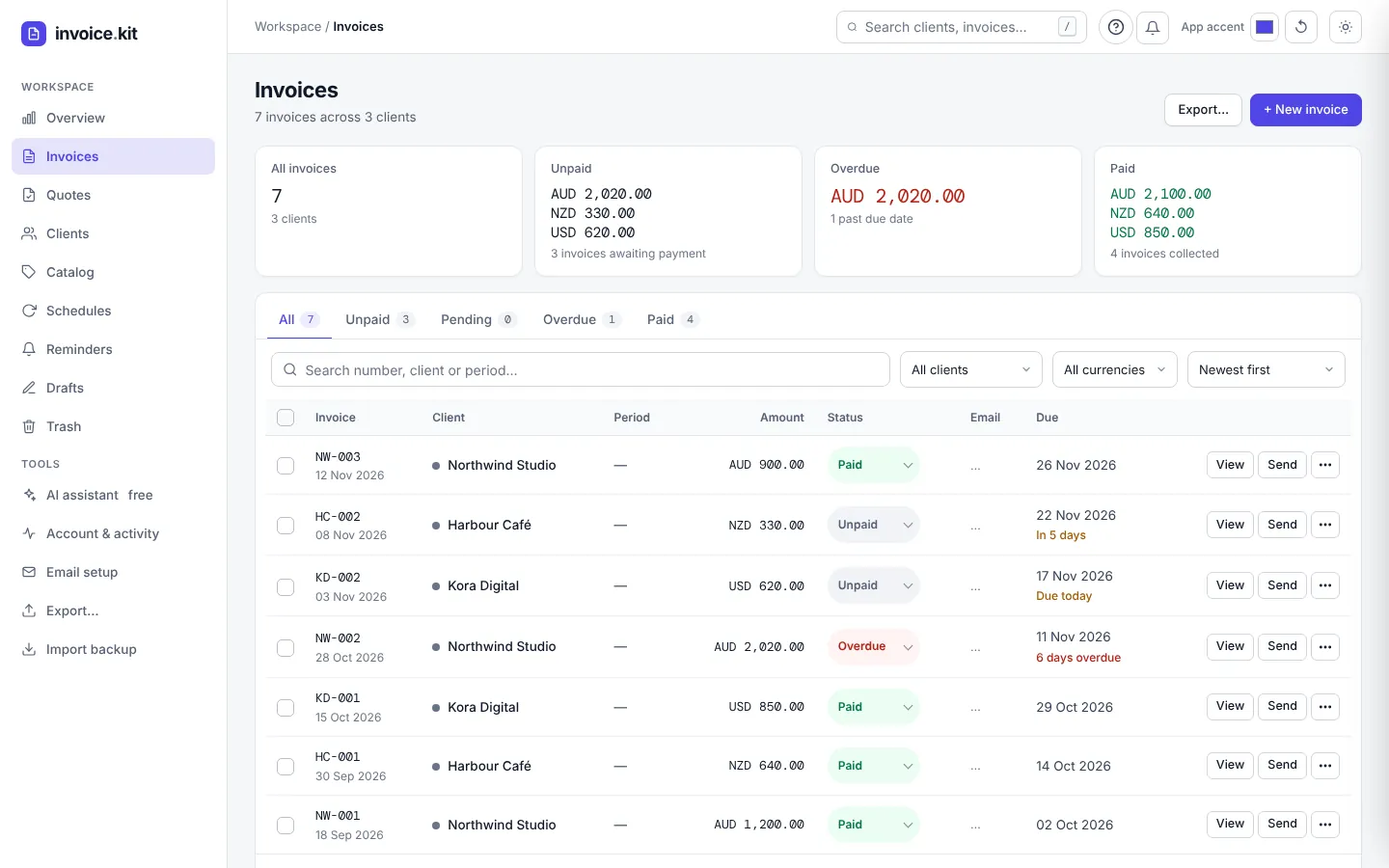
An invoice generator for Australian and NZ clients
invoice.kit by ToolsMingo is a free invoice generator. Set a client to AUD or NZD, switch on tax, and the invoice shows a GST line and a total that includes it. Add your ABN or NZ GST number in your details and your bank details in the payment section.
It is popular with freelancers who invoice Australian and New Zealand clients from anywhere, because each client keeps its own currency, invoice prefix and bank details.
Try it nowWhat your invoice needs in Australia
The words “Tax invoice”
If you are registered for GST, a tax invoice usually says so, shows your business name and ABN, the date, a short description and the price.
GST shown clearly
Switch on tax and set 10% (or 15% for New Zealand). The invoice shows the GST amount and a total that includes it.
Client details that stick
Save each client once with their name, address, currency and invoice prefix, then reuse them.
BSB and account number
Add your bank name, BSB (in the branch field) and account number so clients can pay by bank transfer.
Due dates and reminders
Pick Net 7, Net 14 or Net 30, and with a free account send reminders for overdue invoices.
A free AI assistant
Type “invoice Northwind 4 hours web design at 60” and review a prepared invoice before you generate it.
A GST invoice in four steps
- 1Open invoice.kit. Start without an account; your work is saved in your browser.
- 2Add your details. Enter your business name, address and ABN or GST number in your details, then your BSB and account number in the payment section.
- 3Add the client. Choose AUD or NZD, set a prefix such as ACME- and save the client.
- 4Add items and GST. List your work, switch on tax at 10% (AU) or 15% (NZ), then Generate invoice and download the PDF or send it.
A quick note on tax invoices
In Australia, a tax invoice for a taxable sale generally shows the words “tax invoice”, your identity and ABN, the date, a short description of what was sold and the price including any GST. Requirements can change with the size of the sale, so check the current rules on the ATO website. In New Zealand, check Inland Revenue. This page is general information, not tax or legal advice.
Questions, answered
Quick answers about GST, ABNs and sending to Australian and NZ clients.
Yes. You can create invoices, add clients and download PDFs for free, with no subscription and no credit card.
Add it to your business details when you set up a client, for example under your address, so it prints on every invoice. For New Zealand, add your GST number the same way.
Yes. Switch on tax, set 10% for Australia or 15% for New Zealand, and the invoice shows the GST amount and a total that includes it.
Yes. Set the client to AUD, add your bank and SWIFT details and send the PDF or a link. For tax questions on overseas supply, check with an accountant.
Yes. Set the client currency to NZD, switch on tax at 15% and add your GST number.
No. You can start straight away. A free account adds backup, email sending, share links and reminders.
Create your first GST invoice
It takes about a minute. Free to use, no credit card, and you can start without an account.